
iPhone and Apple Watch

Your pill box,
in your iPhone.
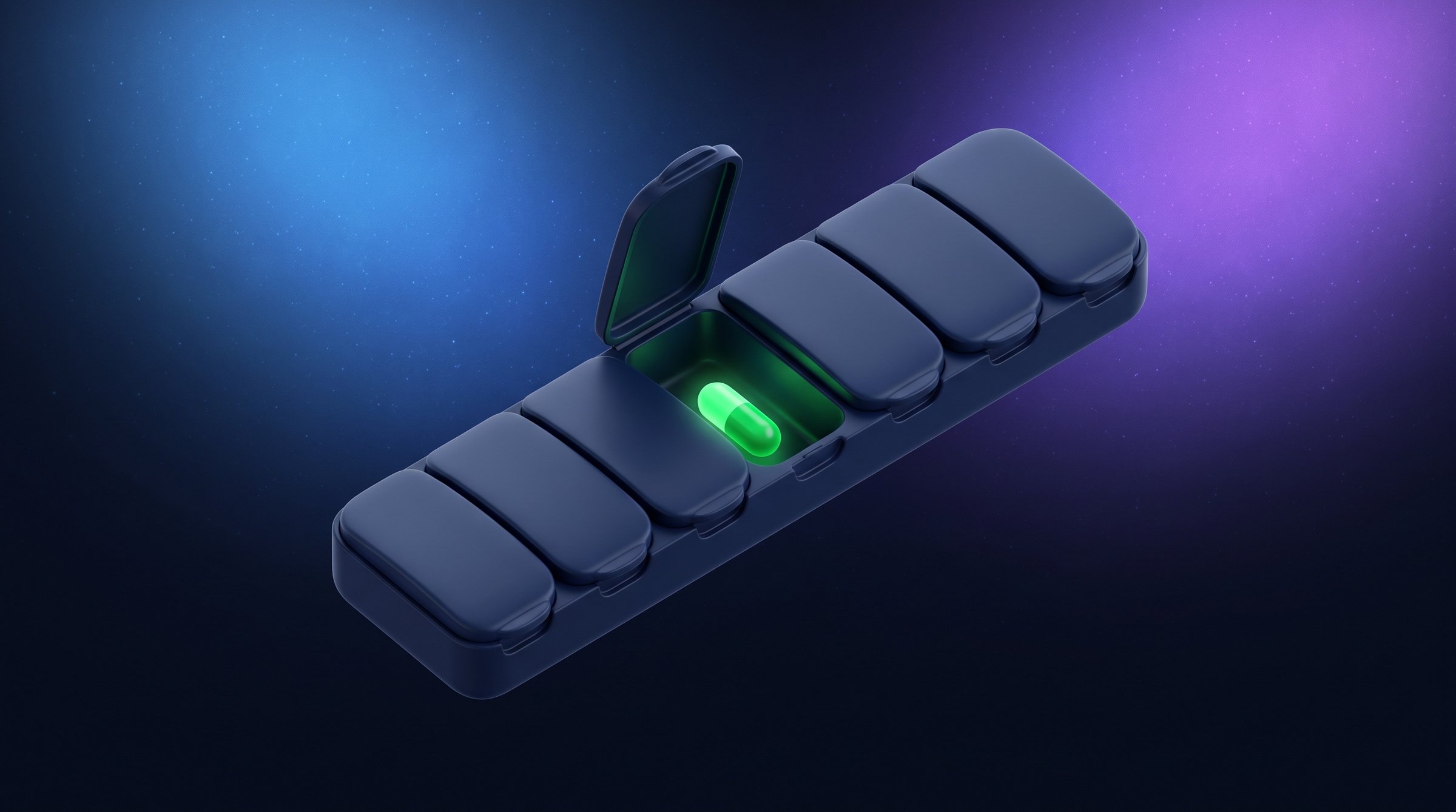
Every dose has its compartment.

A reminder when the compartment is due, a compartment you empty with each dose, a clear log to show your doctor. For you, and for the people you look after. Pilulier helps you remember; it does not replace the advice of a doctor or pharmacist.

Freeno adsno account

The week

Empty a week, one compartment at a time.

This is the Tracking pill box and the Today screen, running on the app's own rules. Move the clock forward, open a compartment, leave another one shut: you see what Pilulier does, and what it says.

Who is taking their medication?

Wednesday7:55 AM

1 missed dose this week, in the evening

MTWTFSS
Morning
Noon
Evening
Night

8 emptied · 1 left full · 78 %

MorningIt's time

Metformin and Vitamin D

2 compartments to empty · 8:00 AM

0 of 5Today's pill box is ready
  • Metformin8:00 AM
  • Vitamin D8:00 AM
  • Omega 312:30 PM
  • Metformin8:00 PM
  • Magnesium9:30 PM
What your loved one will receive
Me · Wednesday
0 of 0 compartments emptied so far (5 in the day).
Next: Metformin at 8:00 AM.
Sent from Pilulier.

Pilulier never sends anything on its own: you choose who and when, by Messages or email.

Try this: let 30 minutes pass without checking anything, then an hour, then change day.

Demo on this page, nothing is saved. The treatments and times are made up, taken from the app's sample data: this is neither a recommendation nor a dosage.

Filling it

You fill it the way you would on the table.

When you add a treatment, tap the compartments to drop the medicine in. “Morning” fills the whole row, “M” the whole column. Times are set for each part of the day: copy them from your prescription or the leaflet.

1 dose a day · every day

Certain days
The days you choose, every week.
Every X days
One dose every 2 to 30 days, from the start date.
Cycle
Days on, then days off, here 21 and 7. The cycle begins on the start date.
Every X hours
Between two times you set: every 4 hours from 8:00 AM to 8:00 PM gives 8:00 AM, 12:00 PM, 4:00 PM and 8:00 PM, each one editable.

A reminder when the compartment is due

Each dose gets its own notification, following the schedule you set. You answer without opening the app.

  • “Taken”, “In 10 min” or “Skip”, right from the notification
  • A follow-up 30 minutes later if the compartment isn't emptied, which you can turn off in Settings
  • Also check doses off from the widget, Apple Watch or Siri
  • The date your reminders run until, shown on the home screen; if the queue runs out, a last reminder asks you to open Pilulier

Vitamin D · Morning

Time to empty the compartment.

These are iOS notifications: they only ring if you allow them, and the home screen tells you if they're turned off.

“As needed”: a locked compartment

For a treatment taken on demand, you copy the waiting time and the maximum from your prescription or the leaflet. Pilulier suggests neither.

  • A countdown under a frosted lid, which clears as the waiting time passes
  • A notification when the wait is over
  • One small compartment per allowed dose, emptied each time
  • “Take anyway” stays available: the decision is yours, and the dose is logged
“As needed” treatmentAvailable
8:00 AM

Demo values, adjust them to see the compartment react. If in doubt, ask your doctor or pharmacist.

Tracking describes, it doesn't judge

Tracking shows your pill box over 7 days or 4 weeks. A dose not checked off one hour after its time was left in its compartment. A skipped dose is not a missed dose, but the percentage only counts doses taken.

  • A PDF report to show your doctor, with your notes on doses
  • One profile per person: first name, emoji, colour, and their own treatments
  • “Send to a loved one”: today's summary or the PDF, by Messages or email. Pilulier never sends anything on its own
  • A medical appointment in Calendar, with a note to remember the report and your boxes

The sentence at the top of the pill box, for example:

3 missed doses this week, all in the evening

No missed dose over 4 weeks

Nothing leaves your iPhone

No account, no ads. Your medications and doses stay on this device, and nowhere else.

  • No server, no iCloud sync
  • A backup in a .pilulier file, kept wherever you like
  • “Erase all data” in Settings
  • A single network request: downloading the public medicines database, kept for 30 days. The scanned code is never sent

Automatic follow-up by a loved one would require storing your health information outside your iPhone. Pilulier doesn't do that: you send what you want, to whom you want, when you want.

The box

The stock counts itself.

Turn on stock tracking: each time you empty a compartment, that dose's amount comes off your reserve, and you watch your blister packs go down.

Box recognised

Medication
Packaging
Expiry
Batch
CIP

Aim at the small black-and-white square printed on the box. The name comes from the French public medicines database; if it can't be found, you type it in by hand.

Only 16 capsules left · Magnesium

about 16 days · Time to restock.

  • The scan

    The Data Matrix live, or a photo: the CIP code, batch and expiry date are read on your iPhone.

  • Prescription by photo

    Each line it recognises is shown as is, for you to check. Pilulier never guesses the amount, times or duration. The photo is not kept.

  • Import from Health

    The name and form of your medications are copied to this iPhone, never to iCloud. Pilulier writes nothing to Health, and you set the schedules yourself.

  • Forms and amounts

    Tablet, capsule, sachet, drops, syrup, inhaler. A tablet can be set in quarters, a syrup in half millilitres, and the amount can change with the time of day.

  • Box alerts

    Stock below the threshold you set, about 5 days before the estimated end, expiry 7 days ahead, end of treatment 7 and 2 days ahead if you entered a date.

  • The official sheet

    A button opens the medicine's public page, with its leaflet and composition. Pilulier doesn't read it for you.

The limits

The compartments Pilulier leaves empty.

Pilulier helps you remember. Anything that is a medical decision stays out of the app, on purpose.

  1. No dosage suggested: amounts, times and durations come from you, based on your prescription or the leaflet.

  2. No check for interactions between medicines.

  3. No reading of the leaflet on your behalf.

  4. No advice after a missed dose: it stays logged, and what comes next is for your doctor or pharmacist.

  5. No automatic decisions: a prescription read by photo is checked line by line.

Pilulier is not a medical device and does not replace the advice of a doctor or pharmacist.

In pictures

Pilulier, screen by screen

One less reminder to carry alone.

The right treatment, at the right time, for the right person.

Coming soon to the App Store

Pilulier isn't on the App Store yet — first reviews will show up here at launch.